Privacy and compliance
GDPR session replay you can take into a security review
This page is a specification rather than reassurance. It sets out what the Webrec SDK captures, what it refuses to capture, and where the data lives afterwards. If you have to justify privacy-first session recording to a DPO, everything below is checkable against the SDK and our privacy policy.
Related: how session replay works.
The privacy defaults, before you configure anything
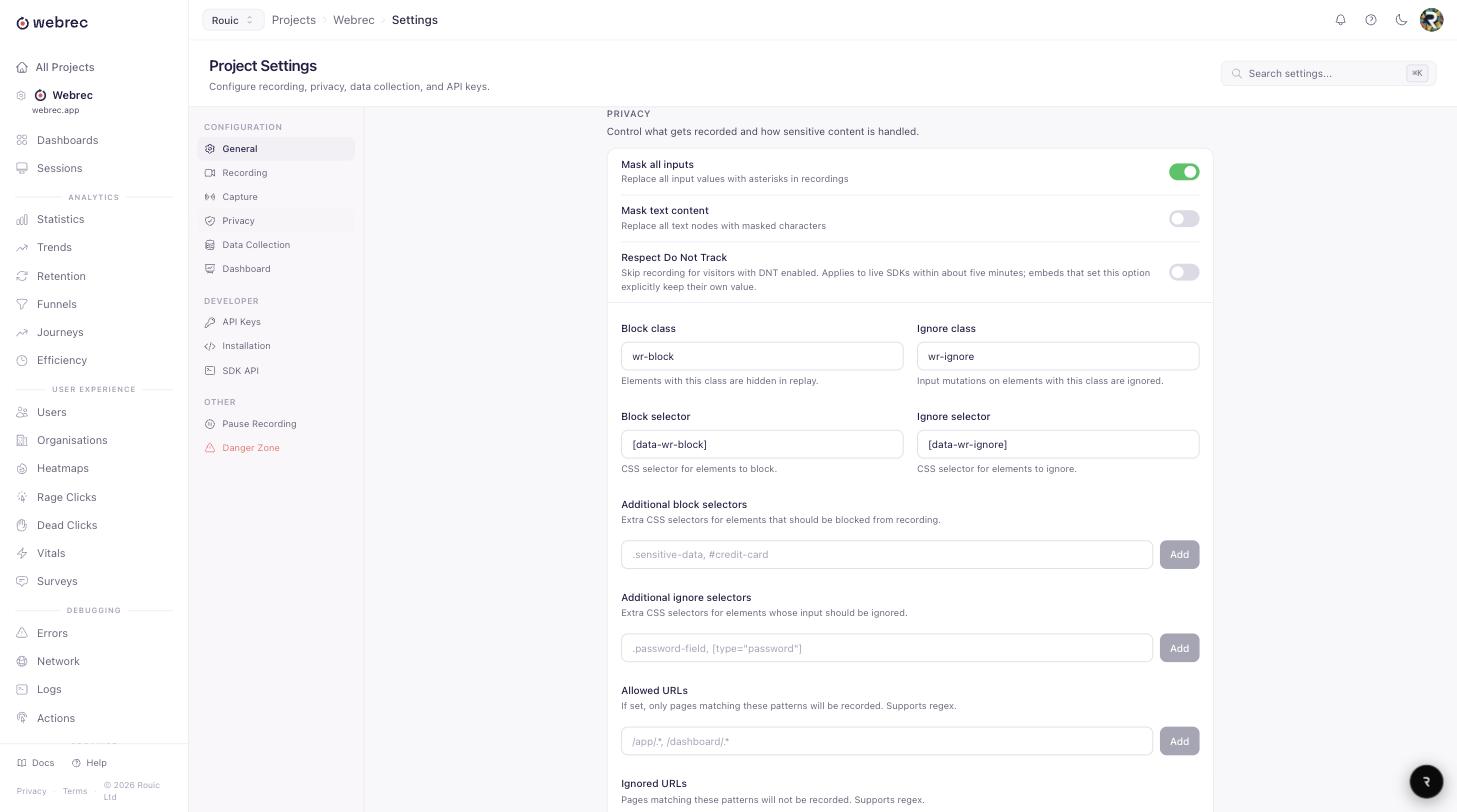
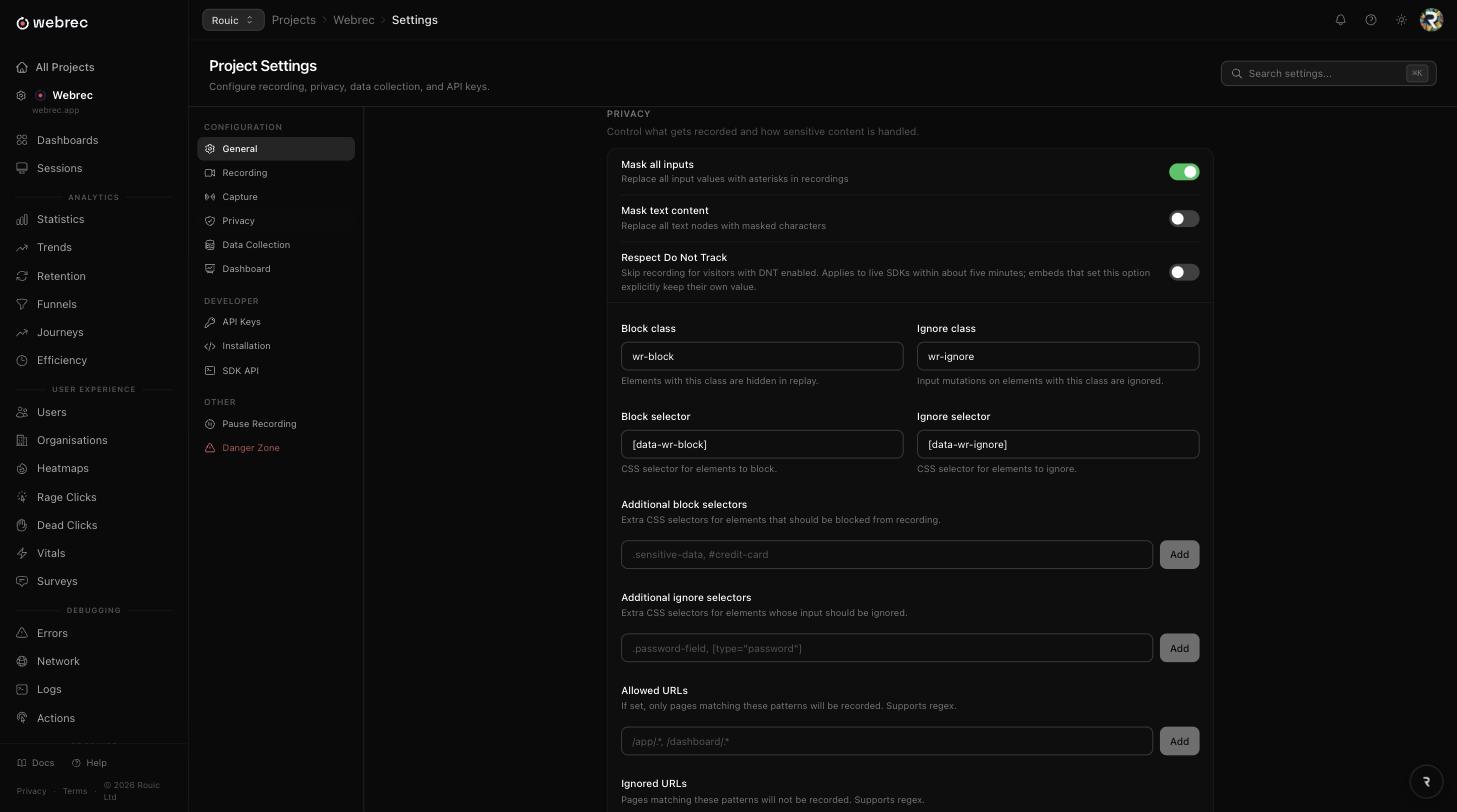
Redaction happens in the browser, at capture time, not on our servers afterwards. A masked value is never transmitted, so there is no window in which it exists in our infrastructure. Six controls do most of the work.
Every input is masked before it leaves the page
maskAllInputs: true
Input values are replaced with asterisks at capture time, so what reaches our servers was never plaintext. Password fields are always masked regardless of configuration: no setting turns that off. Email and telephone inputs are covered by privacy.maskInputs, which is also on by default.
Block an element and it never enters the recording
wr-block · blockSelector
Add the wr-block class to any element, or pass a CSS selector through blockSelector, and it is excluded entirely. In the replay it becomes a placeholder box of the same size, so the layout still reads without exposing what was inside it.
Ignore an element to freeze it instead
wr-ignore · ignoreSelector
Ignoring is the lighter option. The element stays visible in the replay but changes inside it are not recorded. It suits a region that is safe in its initial state and risky once populated, such as a panel that fills with account details after a fetch resolves.
Mask all visible text in one switch
privacy.maskTextContent: true
Where anything on screen may be personal data, maskTextContent replaces every non-whitespace character with an asterisk. Layout, scrolling and clicks still replay accurately; the words do not. It is a heavy setting, and the right one for a clinical or financial screen.
Sensitive query parameters are redacted automatically
token · key · password · secret · auth · access_token · api_key · jwt · session_token
When a request is captured, the URL keeps its structure but the value of any of those parameters becomes [REDACTED] before the event is queued. This happens in the browser, without configuration, so a magic link or a bearer token in a query string never reaches your session data.
Request and response bodies are capped
16 KB limit, text content types only
Bodies are only captured when the content type is textual and the payload is under 16 KB. Anything larger is truncated or recorded as metadata alone, which keeps a full customer record export out of a replay by accident.
What the SDK does with browser privacy signals
Do Not Track and Global Privacy Control are both honoured by default, through the respectDoNotTrack option, and the check runs during init before any recorder attaches. If navigator.doNotTrack is set or the browser exposes Global Privacy Control, initialisation returns early: nothing is captured, no session is created, and no request reaches our ingest endpoint. It is a hard exit, not a filter applied later.
Storage is first-party and minimal. Webrec sets no third-party cookies at all. The session ID lives in localStorage, shared across the tabs of your site so that one visit is recorded once rather than once per tab, and treated as expired after 30 minutes without activity. The anonymous visitor ID lives in localStorage too, so returning visits can be joined together; it is a random identifier, not a fingerprint. Our cookie policy lists every key we write. For scoping by page, ignoreUrls skips recording on matching URLs and allowUrls inverts it so only matching URLs are recorded.
Wiring cookie consent to session replay
Two patterns work with any consent management platform. The simplest is to call init only after consent has been recorded. The more common one is to init on page load, stop immediately, and start once the user accepts, which keeps initialisation in one place and resumes recording the moment consent arrives.
import { WebRec } from 'webrec-sdk';

// Initialise, then immediately pause. Nothing is captured yet.
WebRec.init({ apiKey: 'wr_your_project_key' });
WebRec.stop();

// Resume only when the analytics category is accepted.
consentManager.on('accepted', (categories) => {
  if (categories.includes('analytics')) WebRec.start();
});

// If consent is later withdrawn, stop again.
consentManager.on('withdrawn', () => WebRec.stop());
After stop, the recorder captures no events, so a withdrawal takes effect immediately rather than at the end of the session. The documentation covers the same pattern for Google Tag Manager.
Where the data lives, and who is responsible for it
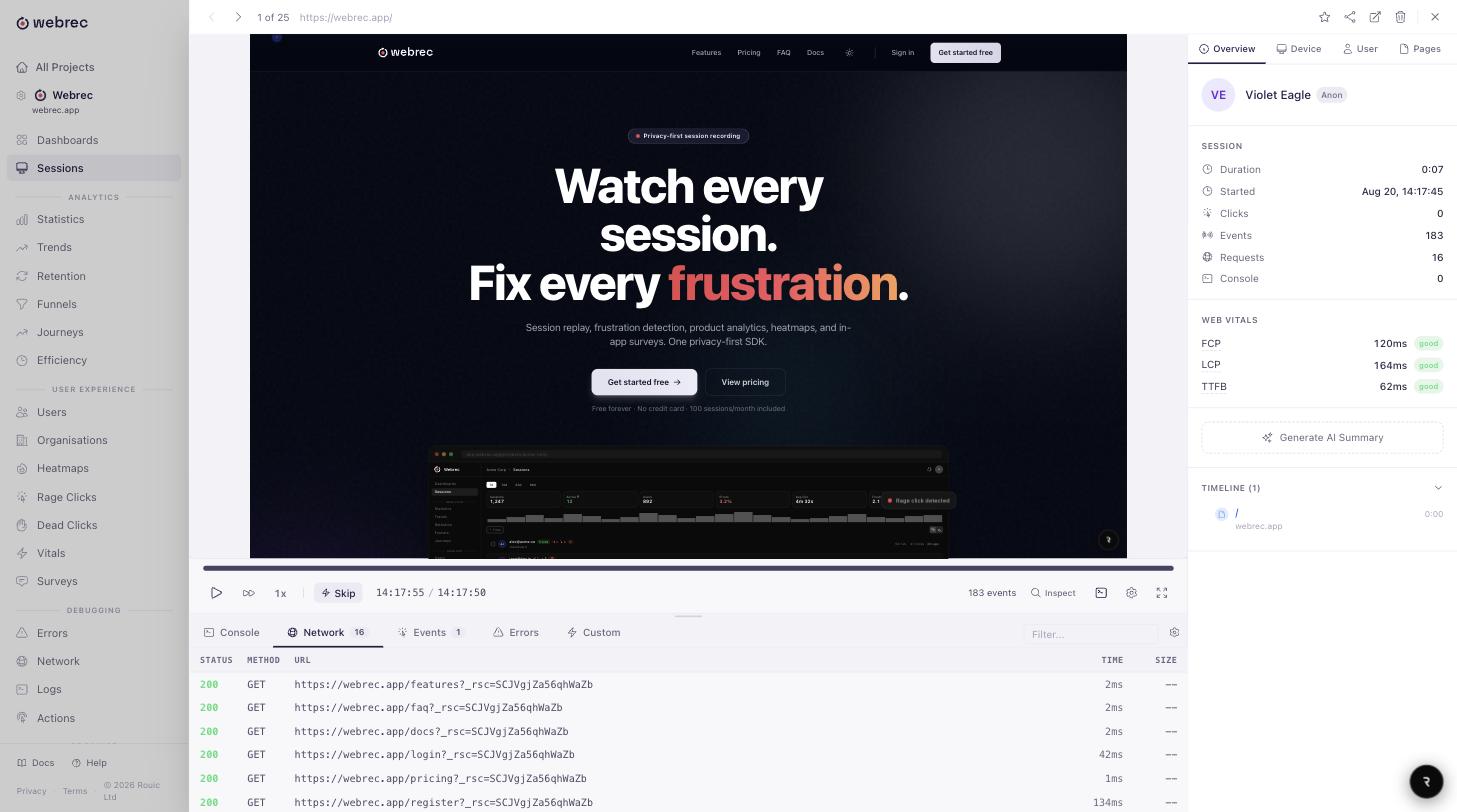
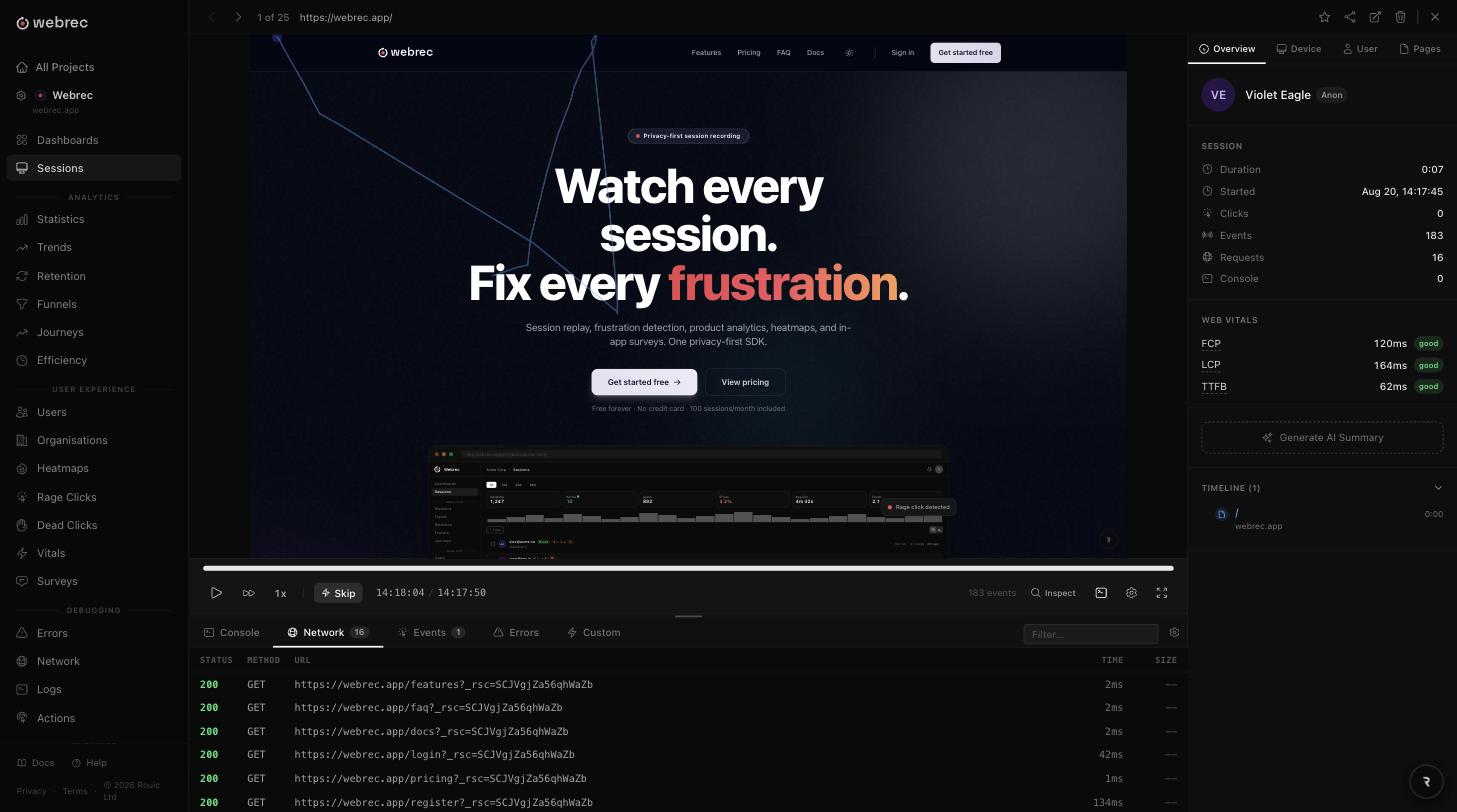
Session recordings are stored on Webrec's own UK infrastructure, operated by Rouic Ltd, and session data stays in the UK. That is the short answer to the data residency question on most security questionnaires.
On roles: you are the controller for the data captured on your site, and Webrec is the processor acting on your instructions. We do not use your session data for our own purposes. A Data Processing Agreement is available for enterprise plans, and the privacy policy lists our sub-processors and the transfer mechanism for each.
Retention is configurable and enforced automatically. Once a recording passes the limit for your plan it stops being visible, and the cleanup job erases it from the database and from object storage 30 days after that, with no manual cleanup to remember. Access and erasure requests go to [email protected] and can be scoped to one session or to every session belonging to a user ID. The pricing page shows the retention window included with each plan.
Questions a review usually asks
Is session replay allowed under the GDPR?
Session replay is not prohibited, but it is processing of personal data: it needs a lawful basis, an entry in your ROPA, and a mention in your privacy notice. Most organisations rely on consent, because the data is behavioural and users would not otherwise expect it. Some rely on legitimate interests with a documented balancing test. Either route is yours to document, and Webrec provides the controls for both.
Who is the controller and who is the processor?
You are the controller for the session data captured on your site. Webrec is the processor and acts on your documented instructions, so you decide what is recorded, what is masked, how long it is kept, and who can watch it. Rouic Ltd operates the service, and a Data Processing Agreement is available for enterprise plans on request.
Do I need a cookie banner for session replay?
Webrec sets no third-party cookies: the session ID and the anonymous visitor ID both live in localStorage, first-party and readable only by your own site. PECR and the ePrivacy Directive cover storage on a device rather than cookies specifically, so storage that is not strictly necessary still needs consent. If you already run a consent banner, put replay in the analytics category and start recording when it is accepted.
What happens when someone asks to be deleted?
Email [email protected] with the user ID or session identifier and we will delete the matching sessions, including the stored recording payloads. If you identify users with WebRec.identify, deletion can be scoped to every session belonging to that user ID rather than one recording at a time. Access and portability requests are handled the same way, well inside the one-month statutory deadline.
Does session data ever leave the UK?
No. Recordings are stored on Webrec's own UK infrastructure, operated by Rouic Ltd, and session data stays in the UK. Billing is the exception reviewers usually ask about: it is handled by Stripe, and it covers your account and payment details, not the session data of your visitors.
More general questions are answered on the FAQ, and the rest of the platform, including error tracking and every other feature, is documented separately.
Check the defaults yourself
Install the SDK on a staging site and watch a replay of your own signup form. Start with 100 free sessions a month. No credit card, no sales call.